
For developers with too many side projects
All your projects. All your agents. One pad.
Run an AI coding agent in every repo, see who’s working and who needs you, and answer from your phone when you’re away from the desk.
Free while in beta · macOS 13+ · Apple silicon & Intel
What is herdpad?
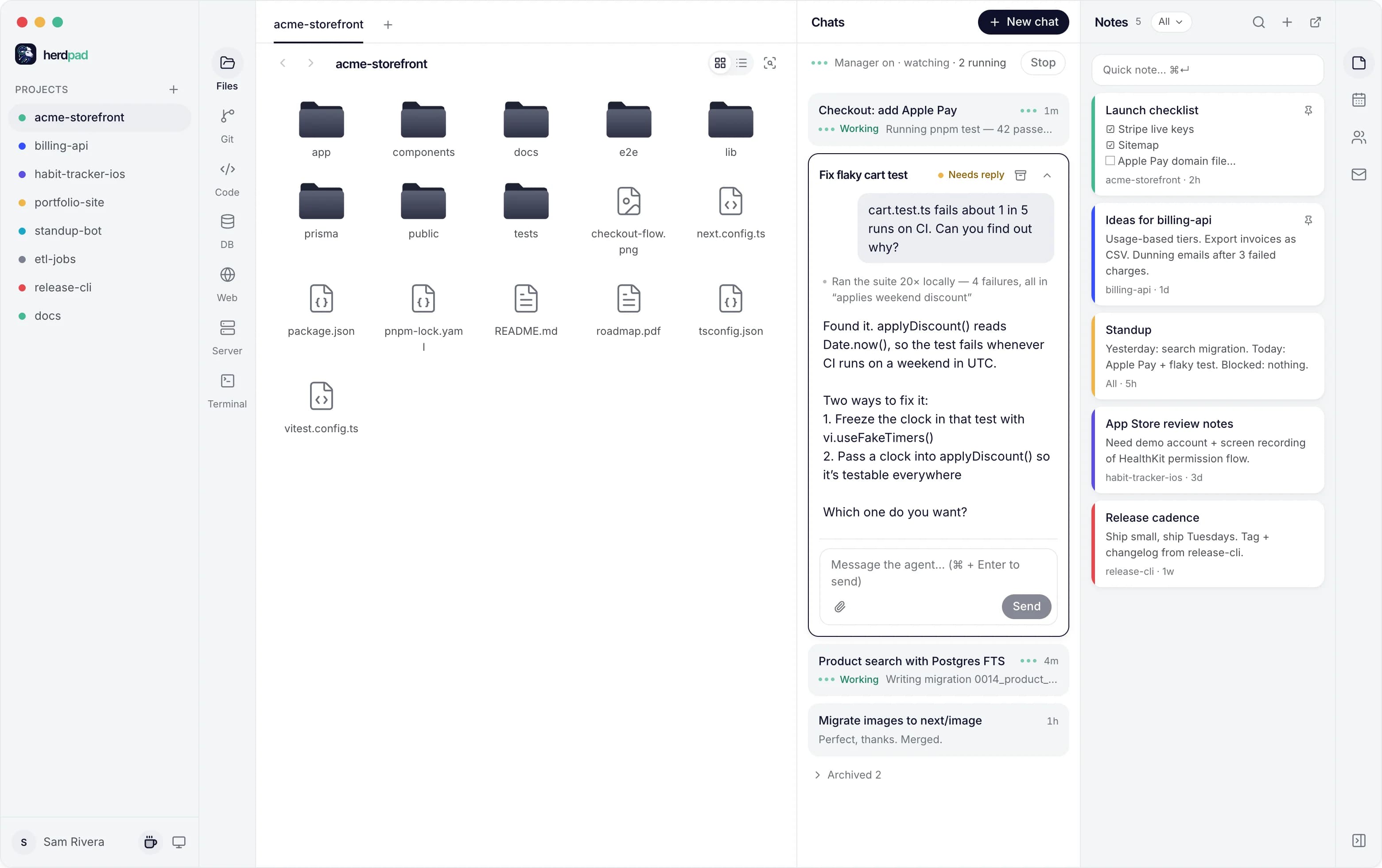
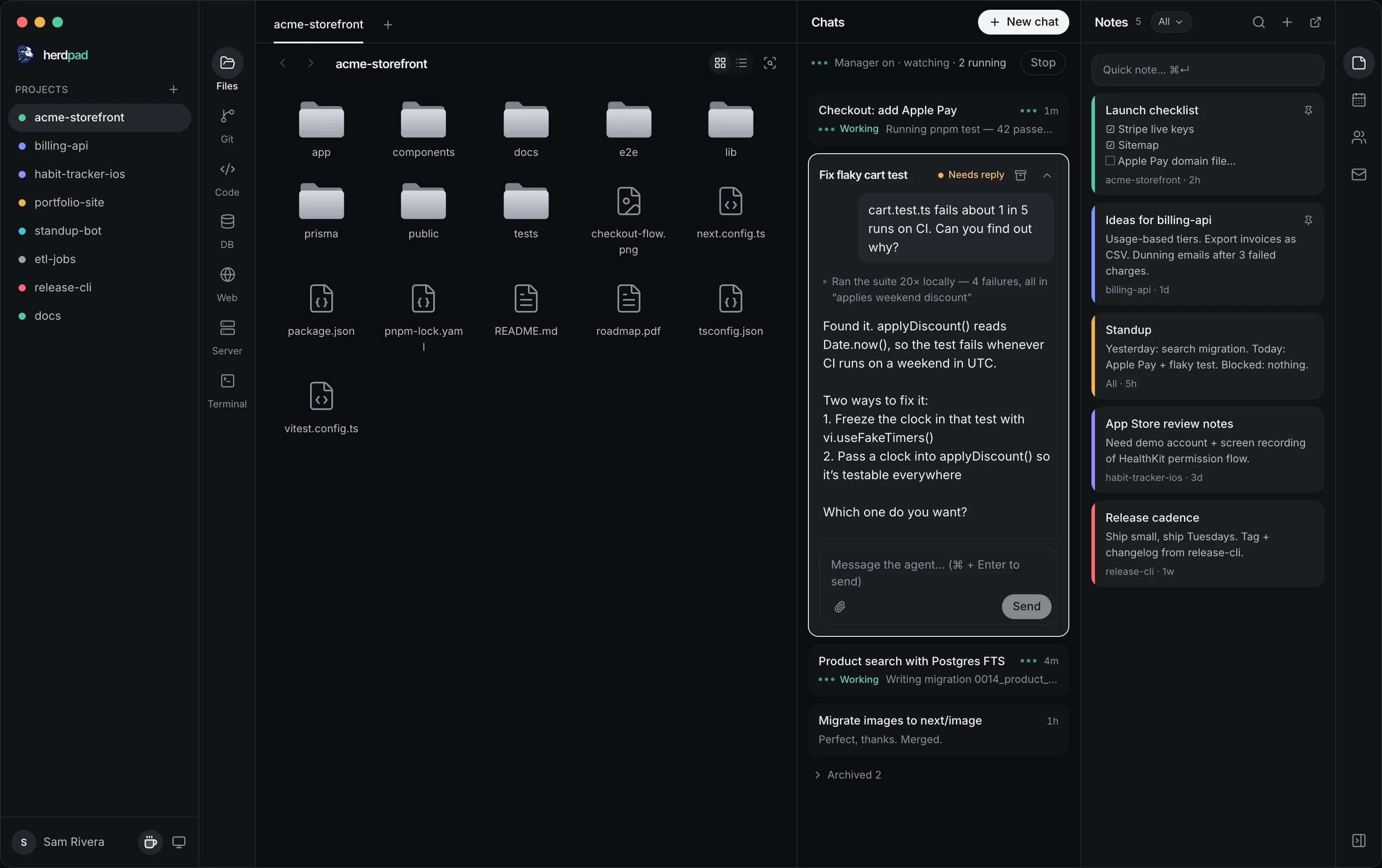
herdpad is a workspace app for developers who juggle many projects. It puts every project’s files, terminal and AI coding agent sessions side by side on your Mac, and lets you follow and reply to those agents from your phone.
You bring the agent — Claude Code, Codex or any CLI agent — and it runs on your own Mac with your own login. herdpad never sees your AI tokens.
Projects
How do I keep a dozen projects moving at once?
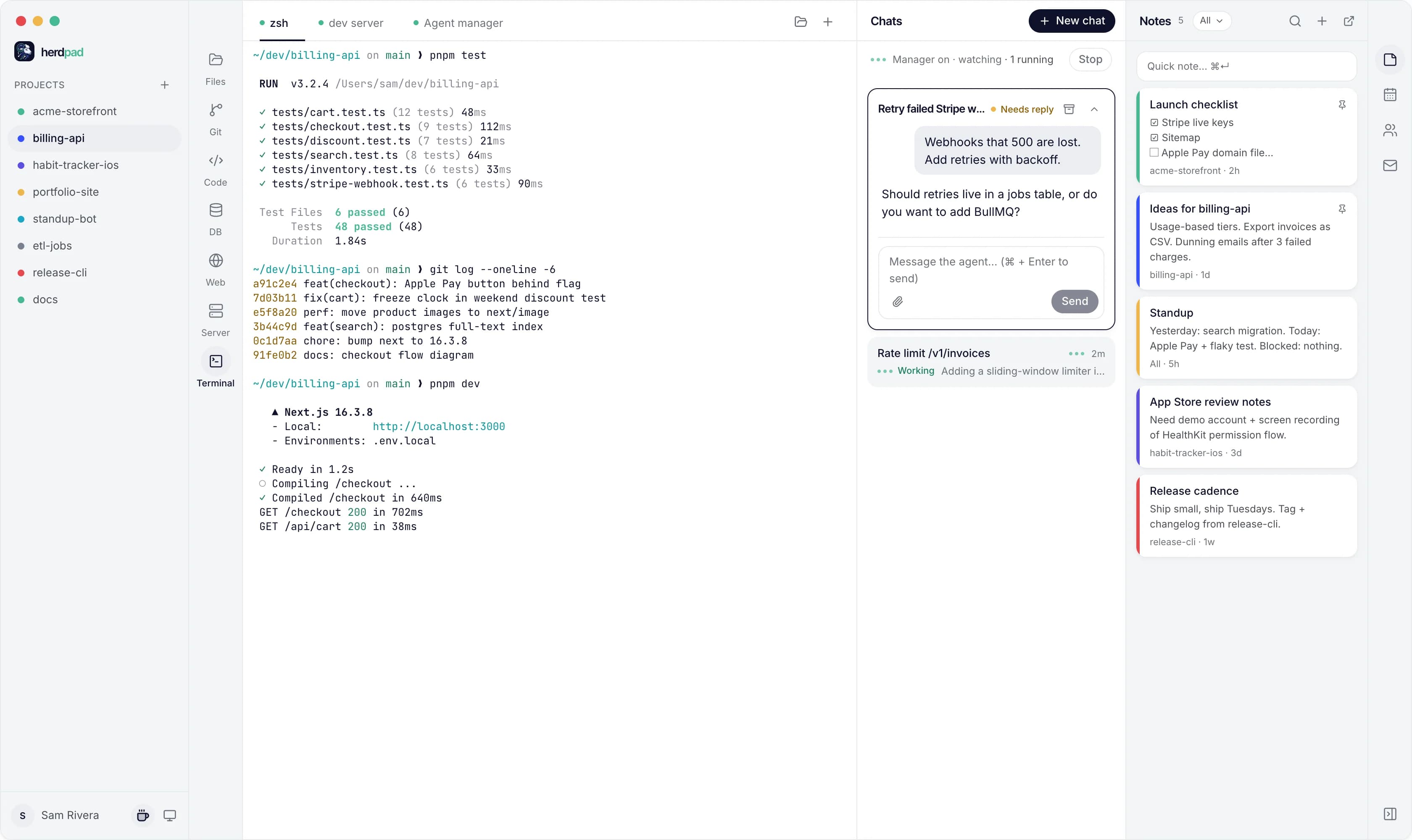
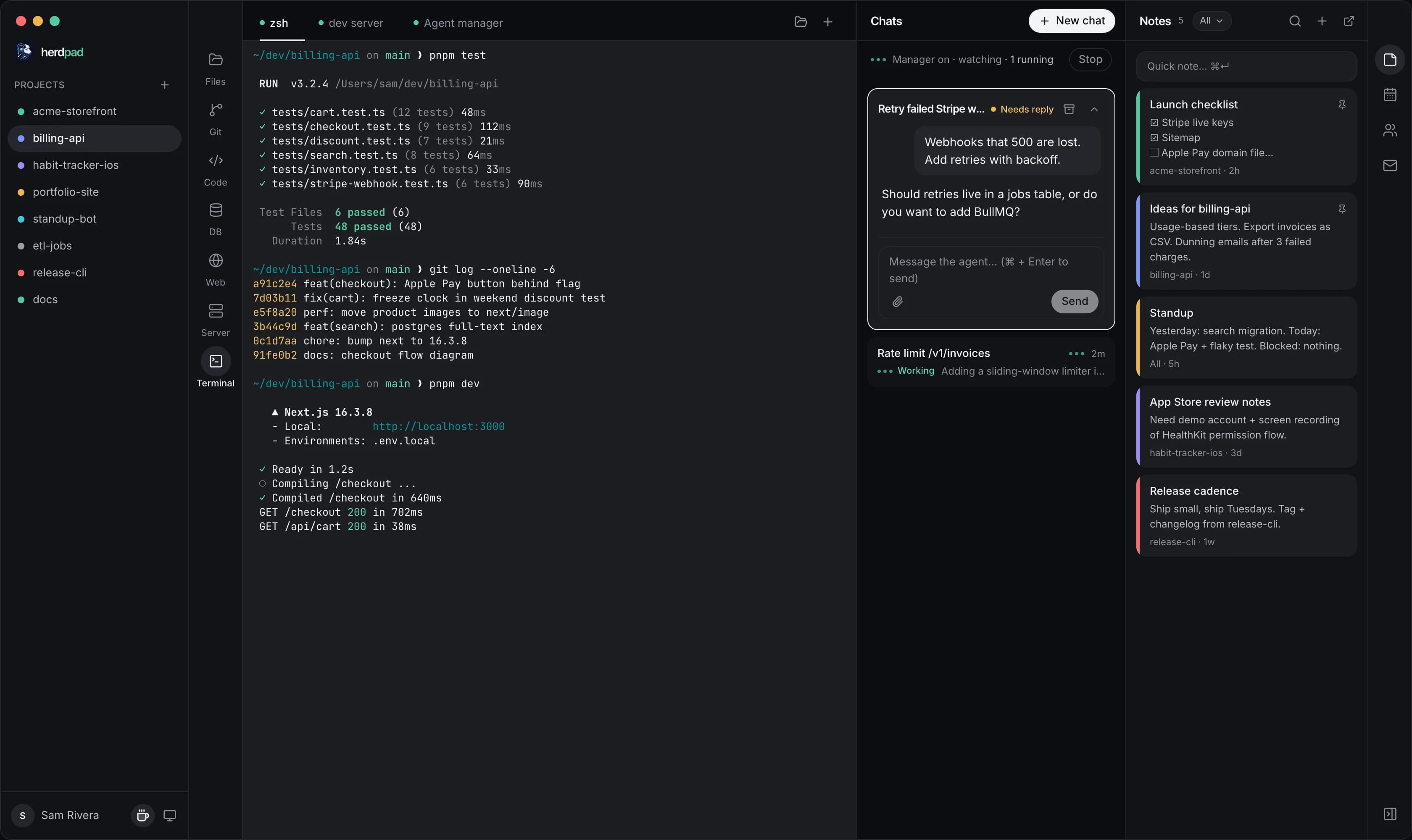
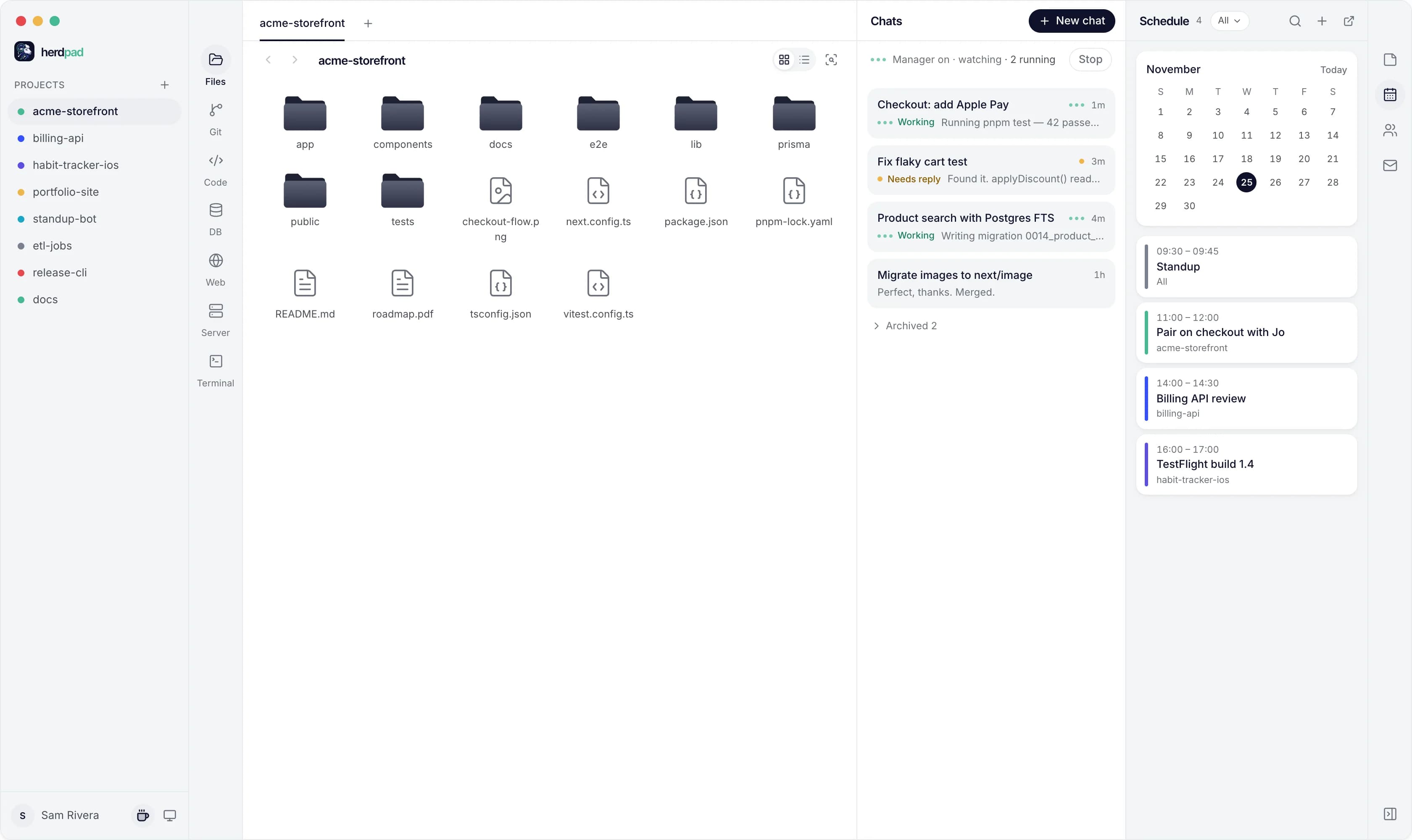
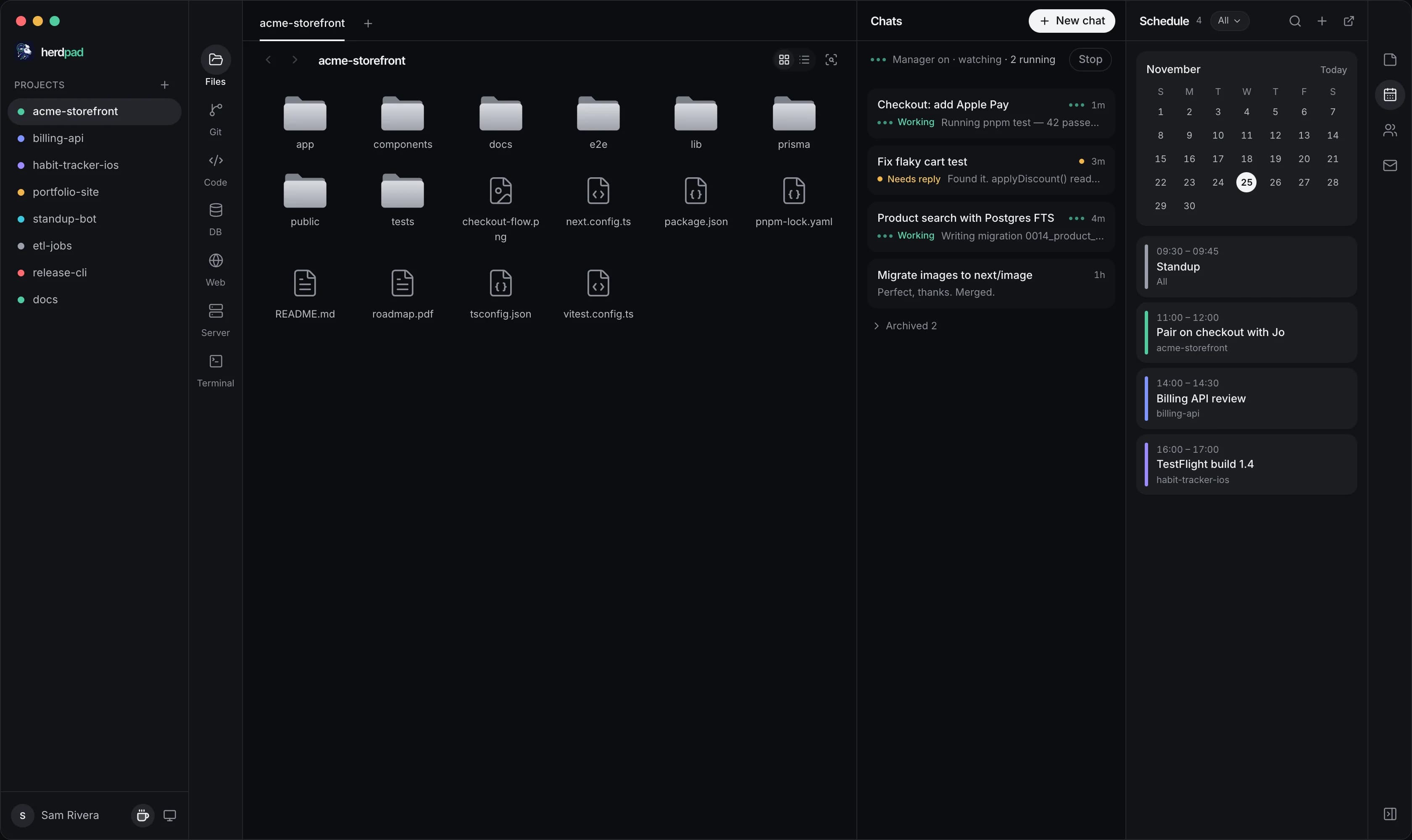
Put them in one sidebar. Each project keeps its own folder, terminal tabs, chats and notes — switch with one click and pick up exactly where you left off.
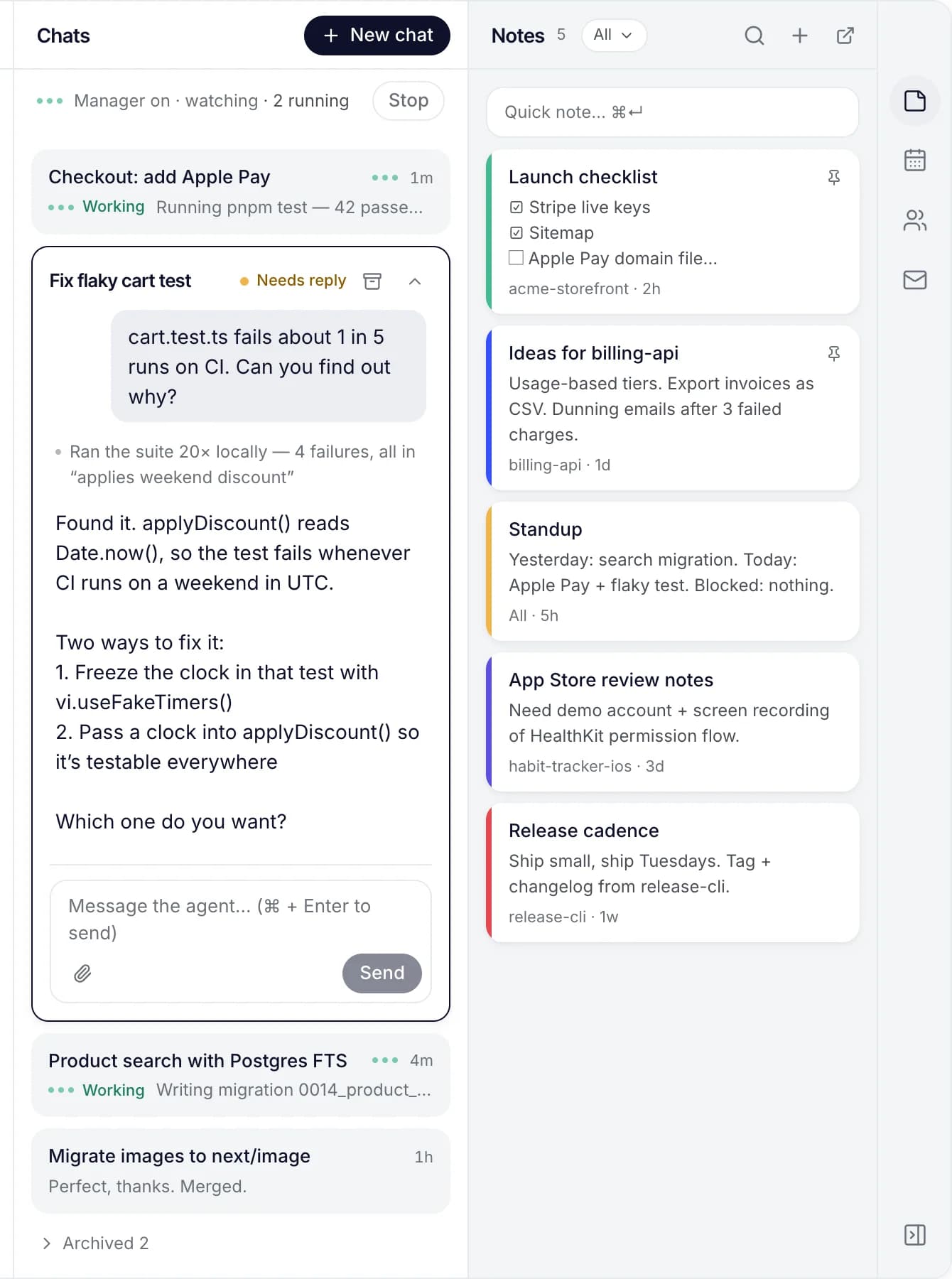
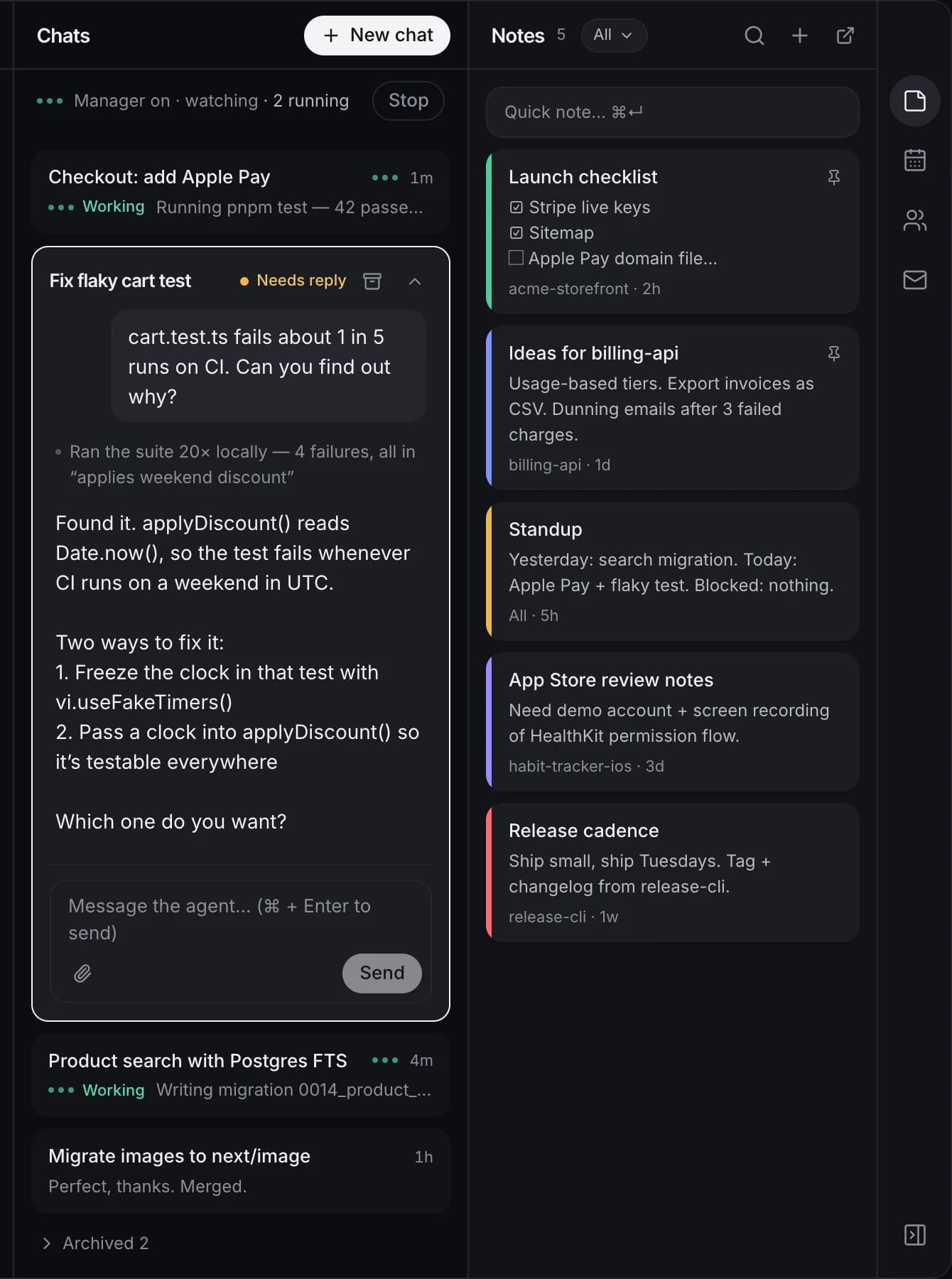
Agent chats
Which agent needs me right now?
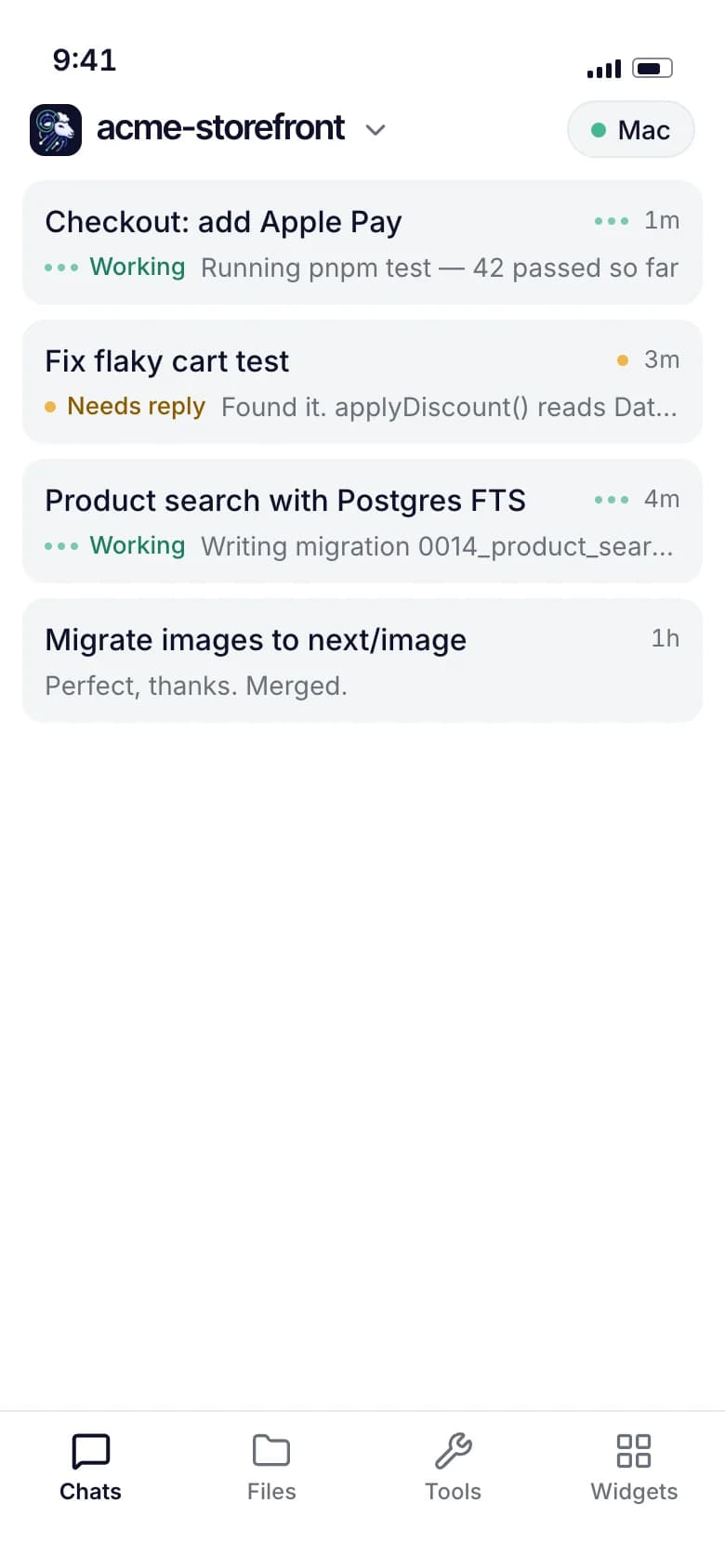
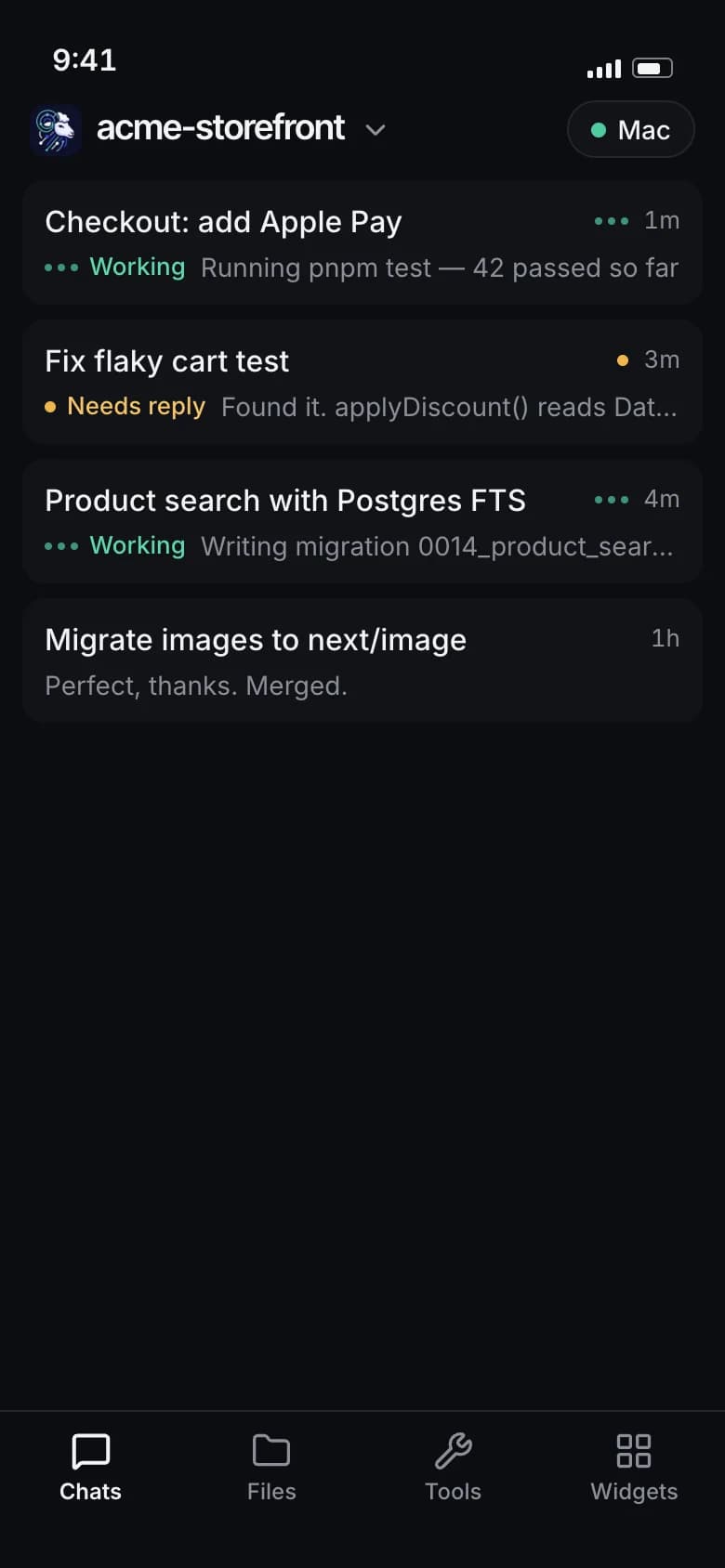
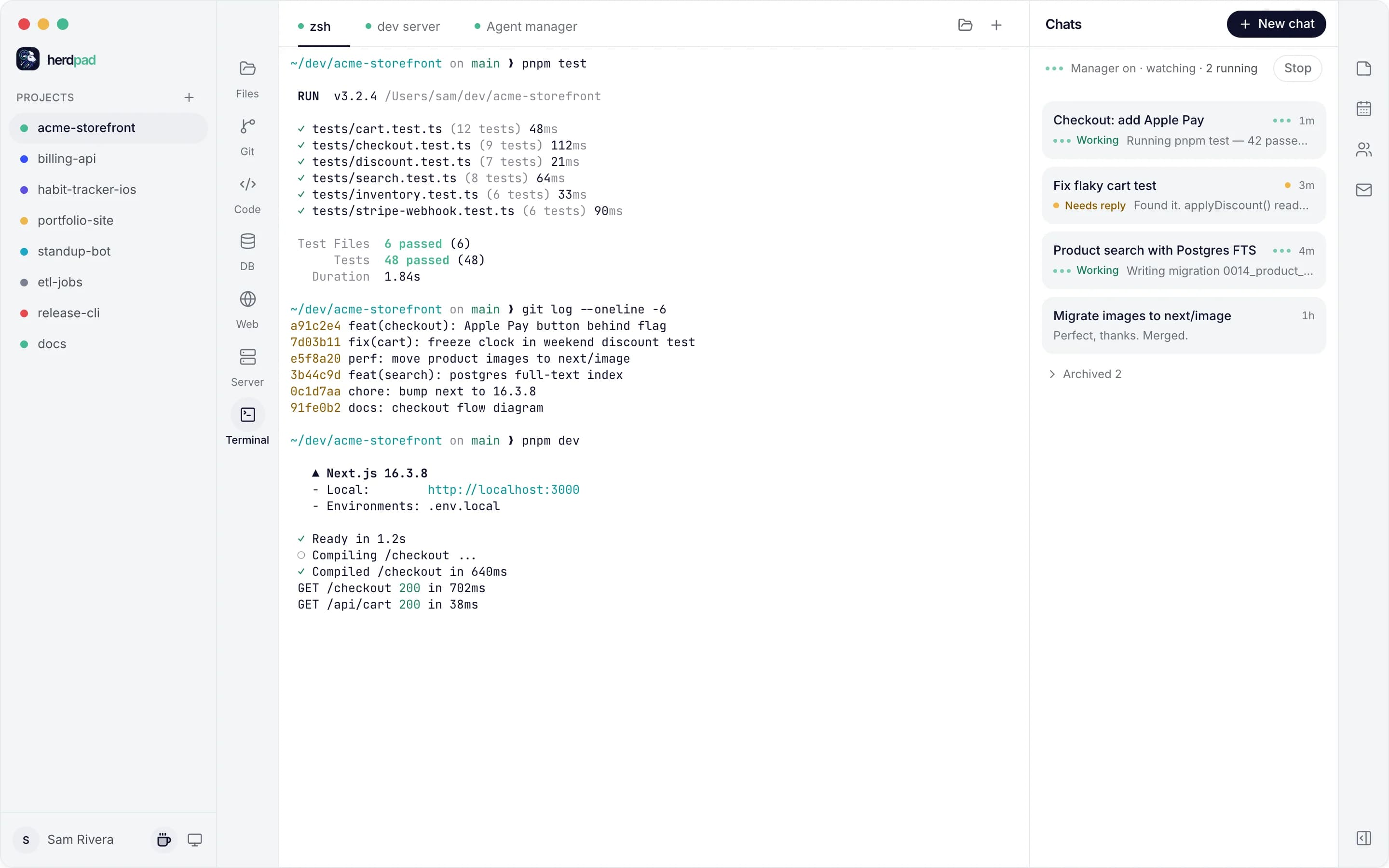
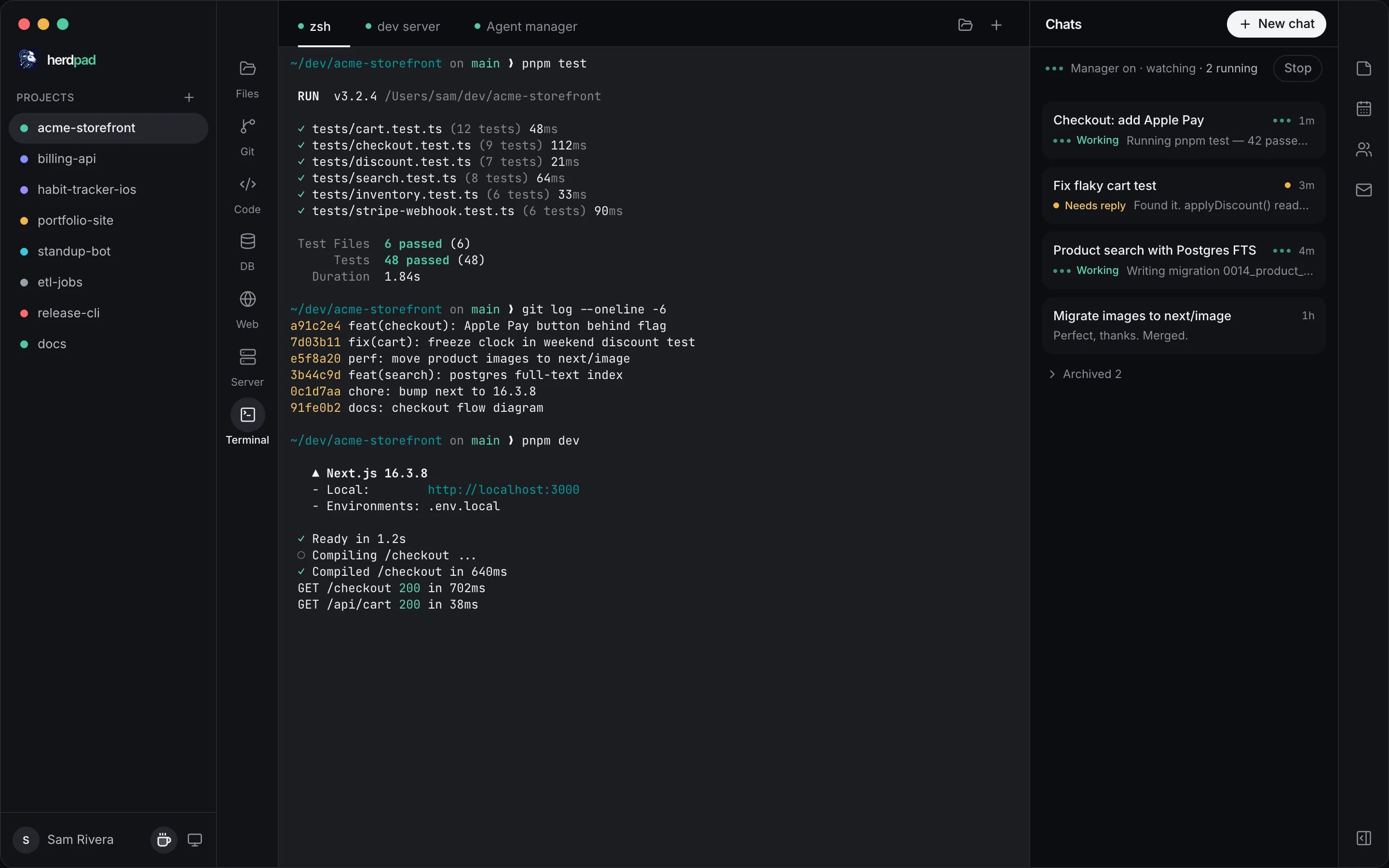
Every agent session is a card. Green dots mean it’s working, amber means it’s waiting on you. No more cycling through terminal tabs to find the one that stopped.
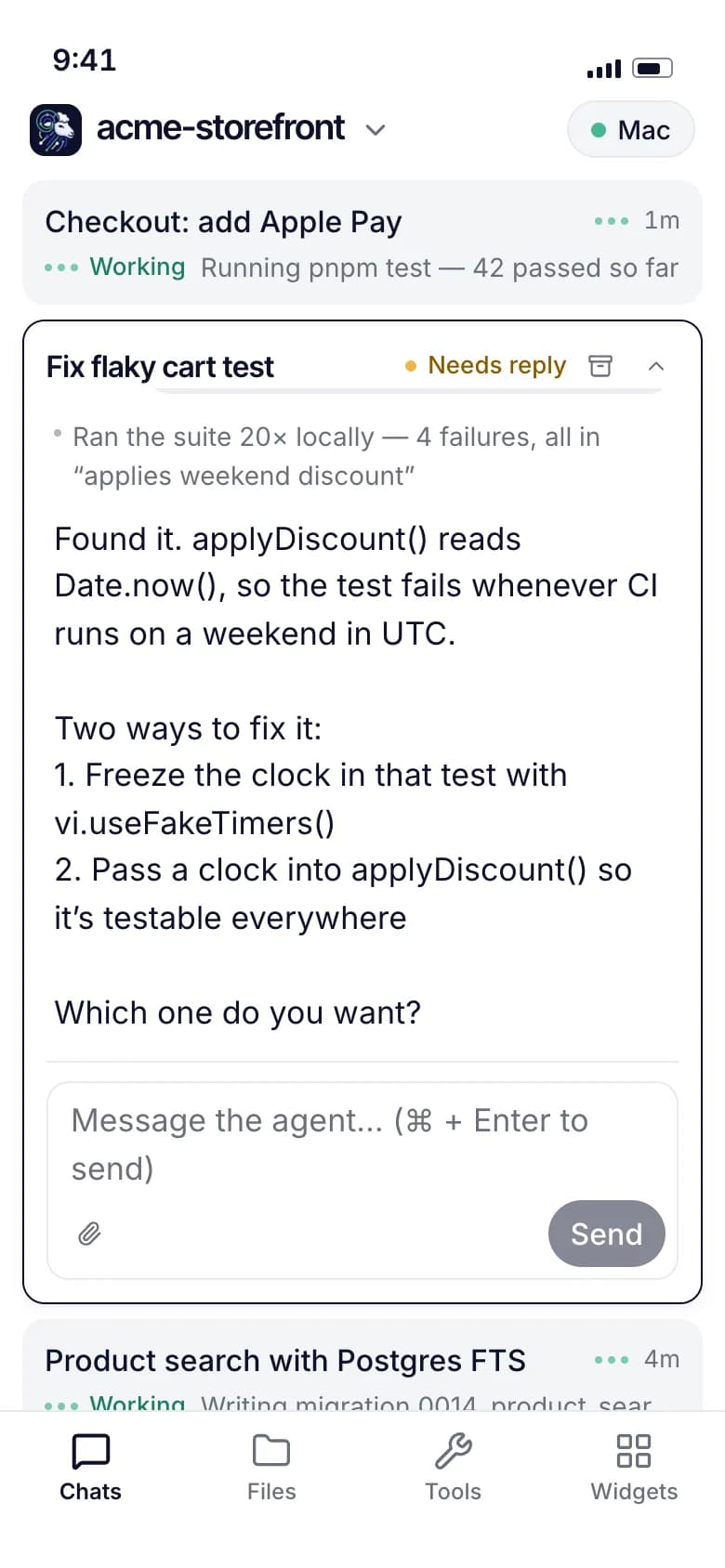
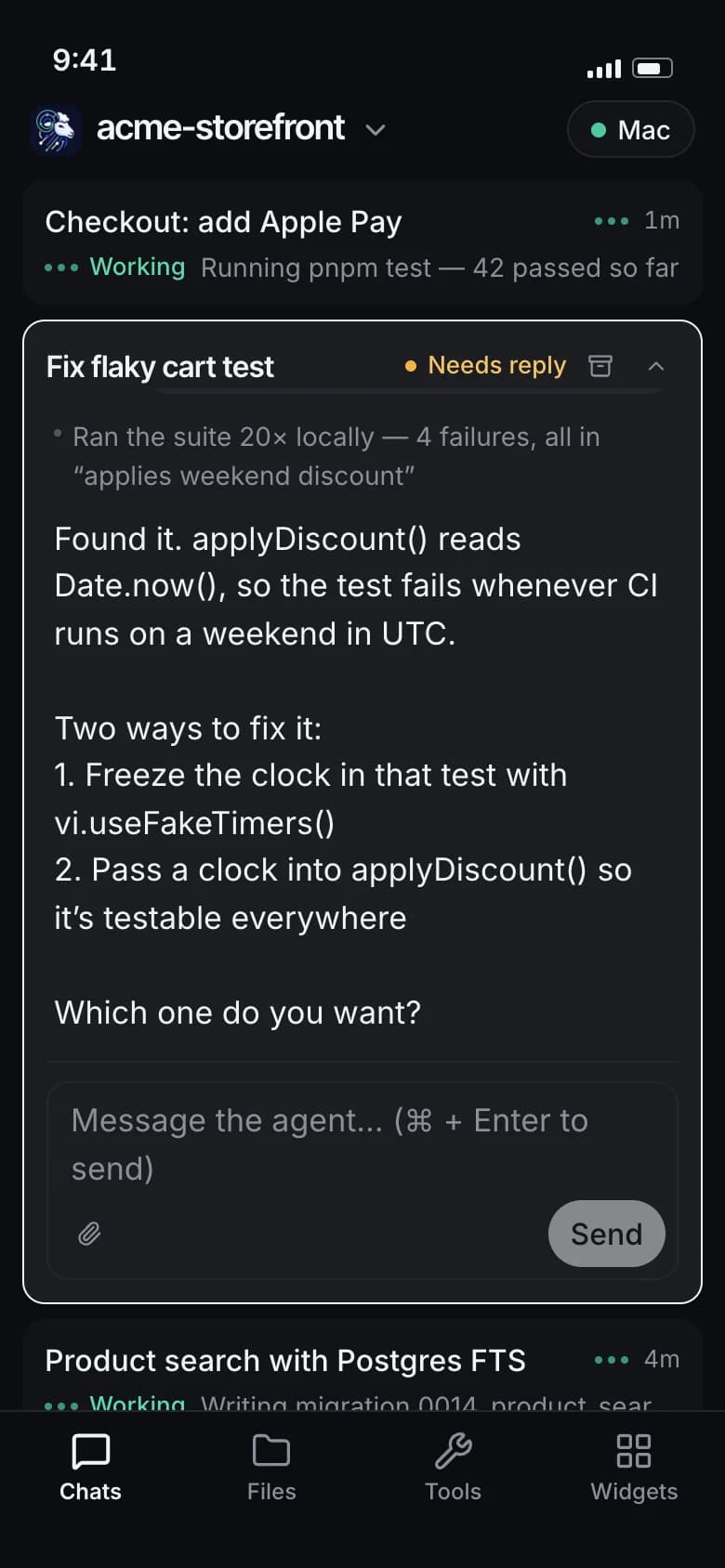
On your phone
Can I reply to my coding agent from my phone?
Yes. The herdpad phone app shows the same session cards. Read what the agent did, answer its question, and it carries on — on your Mac, not in some cloud sandbox.
Files & Terminal
Do I still need five other windows open?
Fewer. Browse the repo Finder-style, keep terminal tabs per project that survive restarts, and jump to Git, Code, DB, Web and Server from the same rail.
Widgets
Where do the notes and the calendar go?
Right next to the work. Notes, Schedule, Contacts and Mail live in a side panel that stays put while you switch projects.
Privacy
Your agent. Your login. Your Mac.
The agent runs locally, signed in with your own account. herdpad passes messages back and forth — it never stores or proxies your AI tokens.
Bring your own agent
Claude Code today; Codex and other CLI agents are on the way.
Runs on your machine
Code, shells and secrets stay on your Mac.
Sign in with Google or GitHub
No new password to remember.
Keep-awake, built in
Tap the coffee cup and your Mac stays awake while the agents grind through a long task.
How do I get started?
About 5 minutes
- 1
Download herdpad for Mac
Install the app and sign in with Google or GitHub.
- 2
Add your projects
Create a project and point it at a folder on your Mac. Repeat for every repo you’re juggling.
- 3
Start an agent session
Hit New chat, describe the task, and your own CLI agent picks it up in that folder.
- 4
Install the phone app
Sign in with the same account to follow sessions and reply from anywhere.
Questions developers ask
Which AI coding agents are supported?
herdpad works with the CLI agent on your Mac. Claude Code works today; Codex and other CLI agents are next.
How do I run Claude Code on multiple projects at once?
Add each repo as a herdpad project and start a chat in each. Every session runs in its own folder and shows up as its own card.
Is there a session manager for Codex CLI?
Codex support is planned. The chat cards, status dots and phone app work the same way for any supported CLI agent.
Can I run several agent sessions in one project?
Yes. Open a new chat per task; they run in parallel and fold away when done.
Does herdpad see my AI tokens or API keys?
No. The agent runs on your Mac under your own login. herdpad only relays chat messages between you and that agent.
- AI coding agent
- A program that reads your codebase, edits files and runs commands from a plain-language request — for example Claude Code or Codex CLI.
- Agent session
- One conversation with an agent about one task, shown in herdpad as a card.
- Agent manager
- The process herdpad starts in each project folder so chats from desktop and phone reach your agent.
- Needs reply
- An amber status: the agent asked you something and is waiting.
- Keep-awake
- The coffee-cup toggle that stops your Mac from sleeping while agents work.
Stop babysitting terminals.
Let the agents work. herdpad tells you when they need you.
Download for Mac